- 01Account
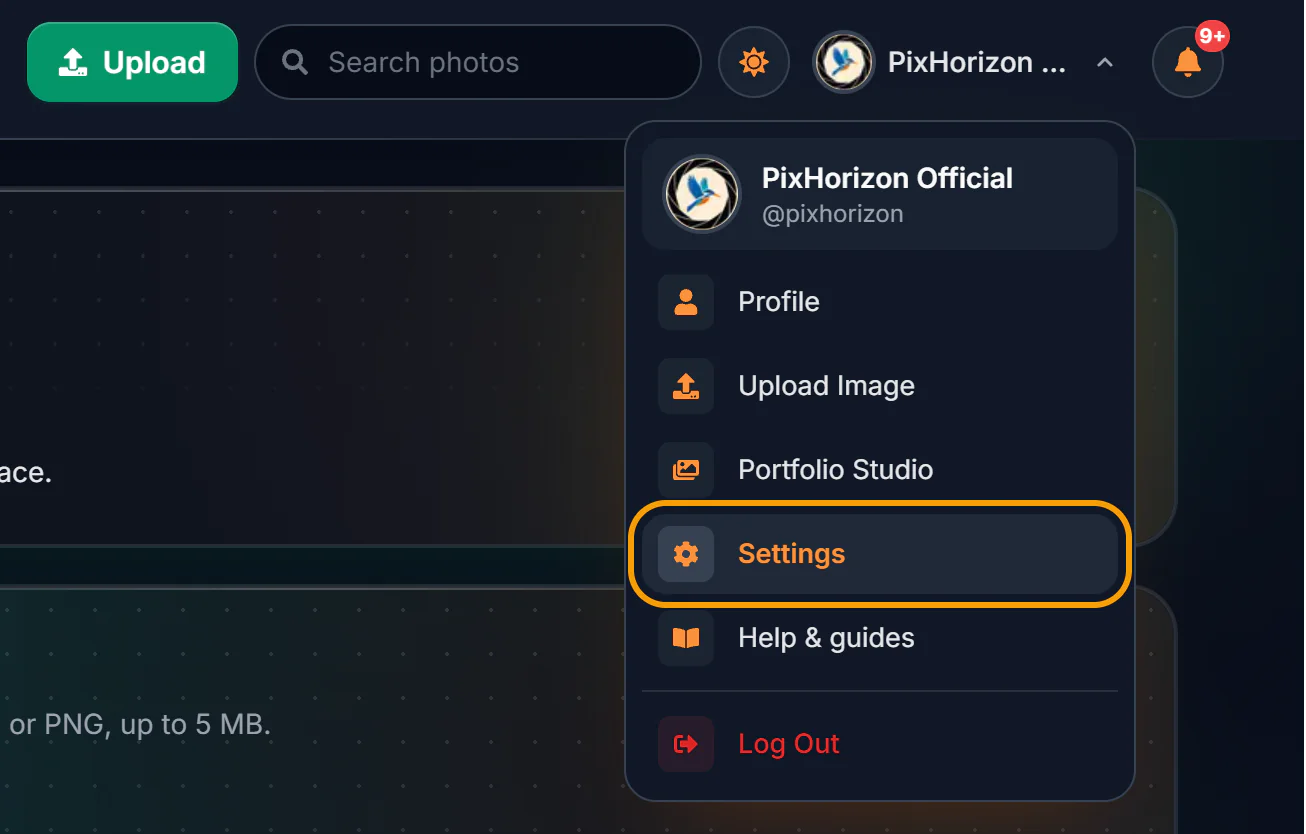
How to Update Your Profile, Password and Notifications
Change your profile picture, name, username, location, Instagram and bio, change or set your password, and choose which notifications you get.
6 min6 sectionsRead - 02Collections
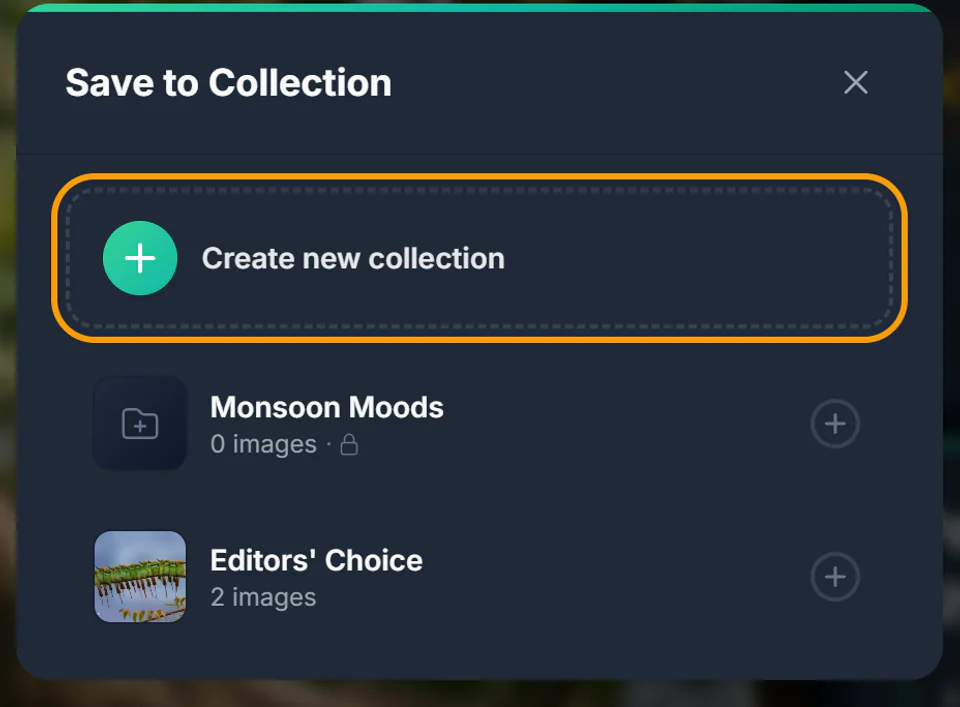
How to Create and Manage Collections
Create collections from your profile or while saving a photo, add and remove photos, rename them, pick a cover, switch between public and private, and delete them.
6 min8 sectionsRead - 03Managing photos
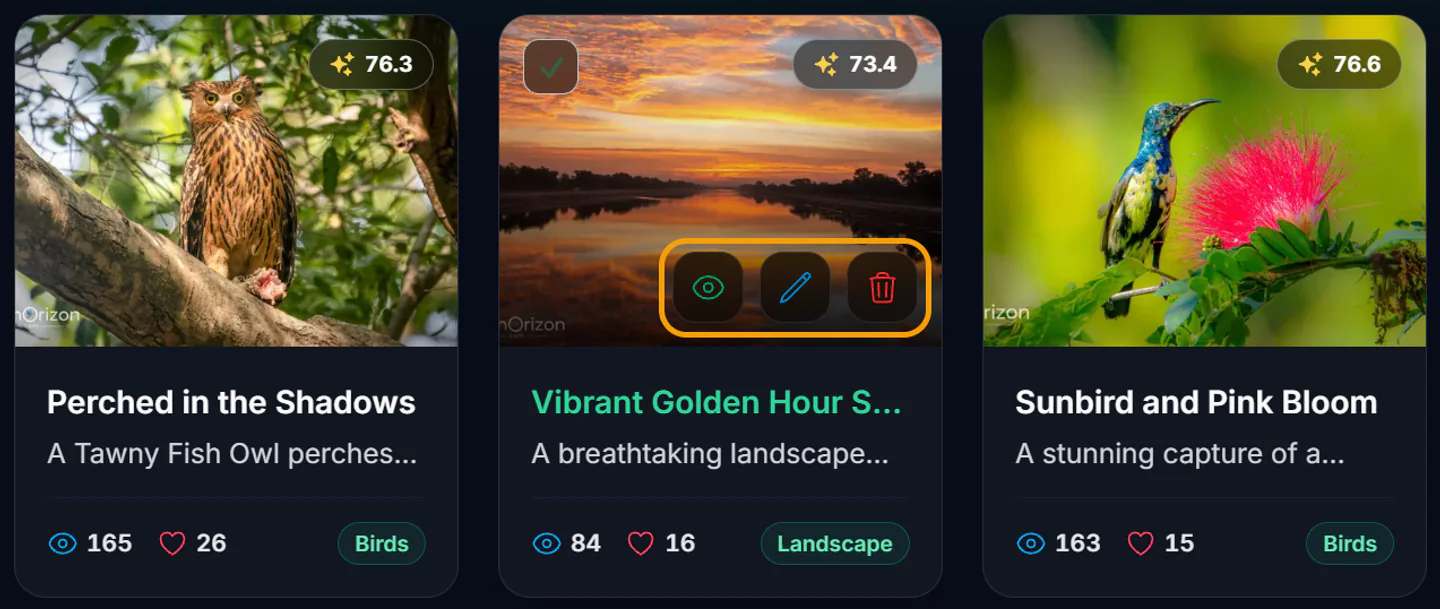
How to Edit or Delete Your Photos
Update a photo's title, category, description, location and tags, or remove photos one at a time or in bulk from Portfolio Studio.
4 min5 sectionsRead
Can't find what you're looking for?
Ask us directly, and tell us which guide you'd like to see next.